
Landscaping professionals working for clients and homeowners starting do-it-yourself (DIY) projects have one thing in common — they need landscape design software. Whether they want the best of the best or just seek a tool to get the job done, plenty of high-quality free and paid options exist.
While many solutions are exclusively for the Windows operating system (OS), some have app or web-based versions. Depending on the developer and the price point, they may provide two-dimensional (2D) design workspaces or three-dimensional (3D) modeling functionality. How do users know which to get? These five options should help them narrow things down.
1. Lumion
Lumion is a 3D landscape design software for professionals and DIYers who mean business:
- OS: Windows
- Pricing: Lumion is subscription-based with two differently priced plans.
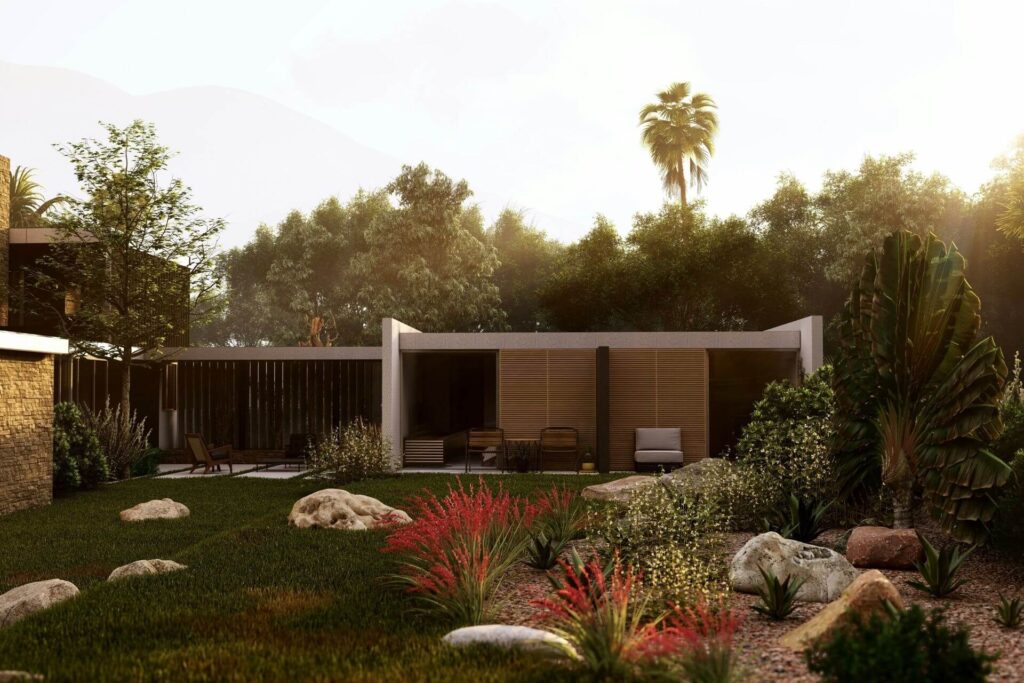
For those who need landscape design software with 3D rendering, Lumion is arguably the best option. Its photorealistic textures, models and lighting bring renders to life.
Pros
The best thing about Lumion is its extensive library of lifelike models, textures and decals. The fine-detail assets and ray-traced lighting add to the realism. The finished renders lend credibility to every design proposal, helping professionals convince clients of their capabilities.
With the import topography and landscape style tools, users can personalize designs. Whether they work in the plains, the desert or the beach, they can ensure their project’s measurements, layout and conditions are incredibly accurate.
While the learning curve for this paid landscape design software is significant, being able to build lifelike renders of landscaping projects may be essential in 2025. Photorealistic rendering will likely remain the most in-demand style in 2025 because it helps clients with visualization.
Cons
Since this landscape design software is for professionals, it isn’t very user-friendly. Although there are tooltips and online tutorials, learning how to use Lumion may not be worthwhile for those who only need it for one DIY project.
Also, Lumion may not be worth the price. It is 35% more expensive than the average architectural rendering software, putting it out of reach for many homeowners and DIYers. While its quality justifies its cost for professionals, it may not be worthwhile for only a few projects.
2. Realtime Landscaping Architect
Idea Spectrum just released Realtime Landscaping Architecture 2025. It is one of the best landscape design software with 3D rendering and 2D designing:
- OS: Windows
- Pricing: Realtime Landscaping Architect is available with a one-time purchase.
Compared to the Pro and Plus versions, Architect is impressive. It has advanced design features, computer-aided design (CAD) drawings and thousands of objects. When users go to render, the realistic lighting, shadows and wind effects will bring their true-to-size visualization to life.
Pros
Unlike the other top landscape design software, Realtime Landscaping Architect does not require a subscription. Professionals can upgrade at a lower partial cost when a newer version comes out.
If users are unsure whether Realtime Landscaping Architect is right for them, they should take advantage of the free trial. They don’t have to enter their credit card or contact information to download it. While watermarks will appear on their printouts and they won’t get access to every asset, the trial has no end date.
With the native plant database, using this software for designing sustainable landscapes is simple. Since just 23% of Earth’s surface remains wilderness, being able to filter by planting zones and botanical names to restore natural habitats is a fantastic feature.
The other features are just as impressive. Users can import a photo of a property to accelerate the design phase, plan the irrigation layout, predict plant growth and sculpt the terrain. The 3D view updates automatically as changes are made in the top-down, CAD-like editor.
Cons
Unlike other landscape design software with 3D rendering, Realtime Landscaping Architecture does not offer photorealistic graphics. The high-resolution objects, textures and materials are true to life but somewhat stylized. While it is not as graphically intensive as other solutions, it may not impress clients as easily.
3. Autodesk AutoCAD
Autodesk Inc. is a multinational software corporation, and AutoCAD is one of its top-performing products:
- OS: Windows and macOS
- Pricing: AutoCAD is subscription-based. Three billion options are available.
AutoCAD is one of the best landscape design software for professionals. It is the industry standard for 2D design and 3D modeling.
Pros
Since AutoCAD was designed with enterprises in mind, it offers application programming interfaces and app integrations. There are even artificial intelligence (AI) and automation features for drafting tasks, object placement and layout publishing.
The architecture, map and electrical toolsets make AutoCAD the best software for designing large commercial landscapes. The collaboration, management and documentation tools are especially helpful for medium and large-sized businesses.
Cons
Like Lumion, the main drawbacks are AutoCAD’s complexity and high price point. Navigating the user interface (UI) feels overwhelming, making working quickly difficult. Beginners may be better served sticking to other tools.
While this software is feature-packed, it costs over $200 monthly, making it one of the most expensive options. While there are one-year and three-year billing options to lock in the price, paying thousands of dollars upfront is unrealistic for many people.
4. Planner 5D
For homeowners and professional landscapers looking for a budget tool, Planner 5D is the best free landscape design software:
- OS: Windows and macOS
- Pricing: Planner 5D offers a free version of the software, plus various monthly plans with additional functionality and features.
Users can render good-looking mockups with Planner 5D in their browser or the official mobile app, quickly transitioning between the 2D and 3D views.
Pros
Hands down, Planner 5D is one of the best landscape design software for beginners. It was explicitly created for those who aren’t familiar with professional-level devices. The UI is easy to navigate and there is almost no learning curve.
With the drag-and-drop feature, individuals can quickly prepare a mock-up for rendering. The built-in library provides templates and assets. When they feel they’ve adequately decorated their landscape, they can quickly produce a realistic render.
Cons
Although people pay nothing for this affordable landscape design software, they do have to provide their email addresses to sign up for an account.
5. DynaScape Design
DynaScape Design is a landscape design software for professionals and business owners:
- OS: Windows
- Pricing: DynaScape Design is subscription-based.
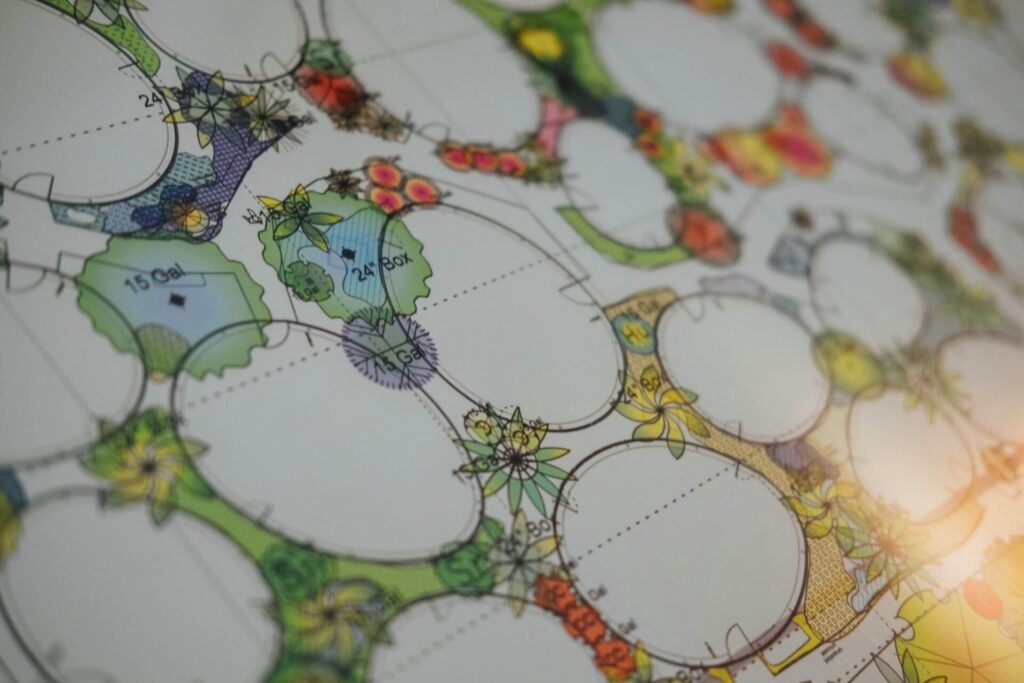
This 2D landscape design software provides a CAD-like creation workflow for people who prefer creating plans, mockups and proposals in a flat view.
Pros
While DynaScape has a slight learning curve, it is easy to use — even for those new to the industry. Its auto-count feature, extensive plant database and templates help professionals meet tight deadlines without breaking a sweat. There is even an option to import property survey information to ensure proposals are as true to life as possible.
Cons
DynaScape Design offers a two-week free trial. However, accessing it requires the user’s legal name, company name, phone number, location and email.
While DynaScape integrates with some of the developer’s 3D modeling tools, it isn’t comparable to comparable alternatives. If professionals prefer photorealistic renders over CAD functionality, they are better off paying slightly more for AutoCAD or Realtime Landscaping Pro.
How to Decide Which Landscape Design Software Is Best
These landscape design software are the best options in 2025, so narrowing the choice to just one solution is challenging. Since they are all fantastic — and many have similar offerings — thoroughly comparing landscape design software features is the only way to select a winner.
Leave a Reply